

Other payment methods

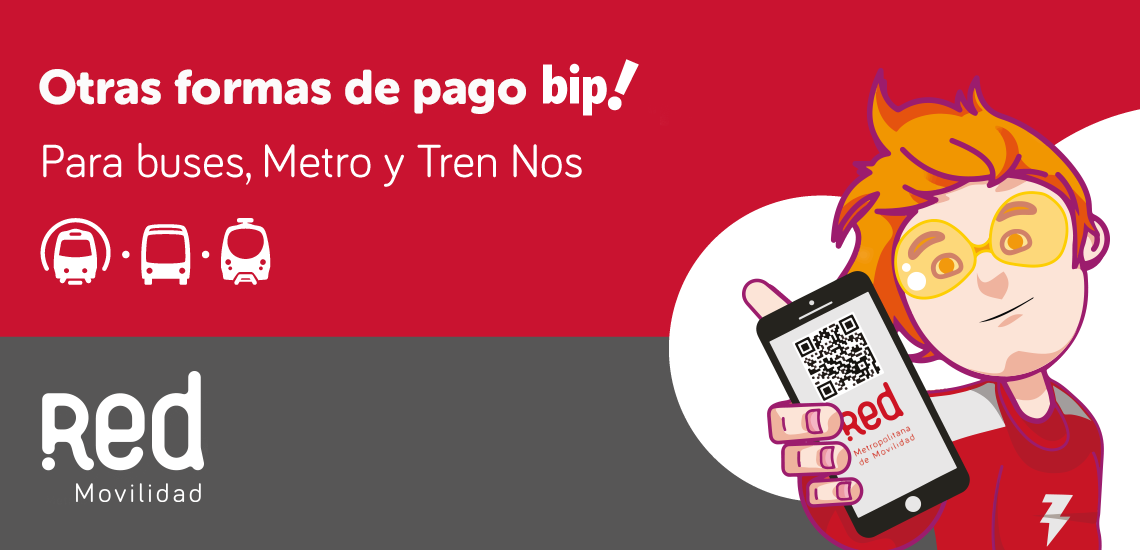
You can pay for public transportation fare without standing in line or going through a totem pole.
Download the Red App and save time.
“What are these other forms of payment and how are they used?”
Pay for your trips on Red Movilidad with bip! QR and Automatic Upload, with these payment methods you won’t need to stand in line to load or go through a totem pole.
- Available in the Network App. Download it on Google Play and App Store at no cost.
How do they work?
beep!QR
Leave your beep card! at home and pay for your ticket with a QR code. With this payment method you won’t need to use your bip card! only your cell phone and the Network App.
And how do I pay with the QR code?
Here we explain. Follow these steps:
- Step 1 Enroll
Enter the Red App, enter the menu and look for “Generate QR ticket”
To create your bip! QR you will need to use your unique password, the Civil Registry. (this password will be asked only once)
- Step 2 Upload
The upload is done in the same App with the “Load Card” button
When loading the card you must enter the following data:
- Select the card to load (beep! QR )
- Enter the amount you want to charge
- Your email address
And press the “load amount” button
- Step 3 Travel
Then, click on “Generate QR ticket” to obtain your QR, with which you can validate your tickets on buses, Metro and MetroTren Nos.
Finally, you must bring your phone close with the beep code! QR code on screen to the QR validators of buses, Metro and Tren Nos.
Important things to consider:
- To upload and generate your QR code, you must be connected to the internet.
- Will you charge me for each QR generated? Of course not. With this payment system you will still make use of the fare integration, that is, you can move around in buses, Metro and Train Nos by paying a single ticket, for 120 minutes.
- For optimal QR code reading, your screen brightness should be at its maximum.
“This form of payment cannot be used for discounted rates, such as the National Student Card (TNE) and the Senior Citizen Card (TAM)”
> Download bip manual! QR
Automatic Recharge
Use the Red App to make your automatic recharge on the bip! or beep account! QR and forget about the lines.
The best thing about this form of payment is that you will have your beep! always with a load and without standing in lines.
To use it you will only need your bip! or beep account! QR
The novelty is that, by entering the Red App, you will be able to define the balance you will have to travel during the day.
Only the value of the trips you make will be charged, until the defined balance is reached.
How do I activate auto-recharge?
Here we explain. Follow these steps:
Download the Metropolitan Network App
- Step 1: Log in
Enter the Red App, enter the menu, select Centro bip! and “automatic recharge”.
- Step 2 Subscribe to payment mandate
You must sign a payment mandate. To do this, you have to register with one of the cargo operators, defining the balance you will have to travel during the day.
This charge will be deducted from your credit, debit, prepaid card, or bank account. And it will be activated on your first trip of the day from 05:30 hrs.
Important things to consider:
- If you lose your bip! card, enter the Red Metropolitana App and cancel your payment mandate, connecting to the charging operator with which you registered.
- If you fell short of what you loaded and need to make another trip, you can do so by charging your bip! in person or remotely.
- You can associate several bip! to the payment mandate. In other words, the whole family will be able to have an automatic charge on their bip!, associating the payment with a debit, credit, prepaid card or bank account.
This form of payment also applies to users with a discounted fare benefit, such as the National Student Card (TNE) and the Senior Citizen Card (TAM).
> Download manual Automatic Recharge
With the BancoEstado App
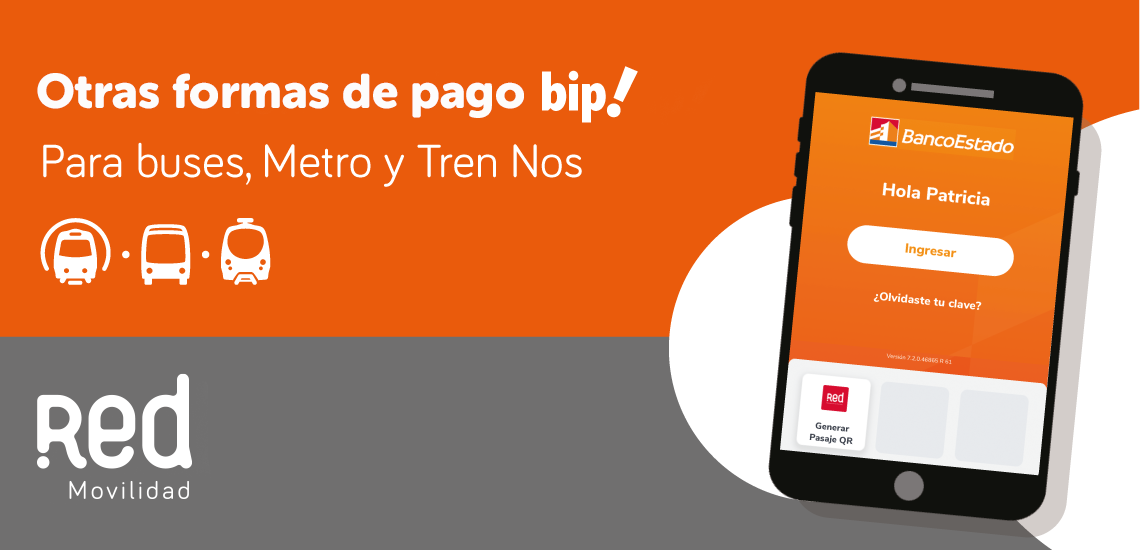
Pay for your public transport trips using Pasaje QR
Now you can pay for the bus, Metro and Tren Nos in an easy and fast way. You just have to enter the BancoEstado App to activate your QR Ticket.
To do so, follow these steps:
- Update your app from your app store, on both Android and IOS.
- Enter the application and select the option Activate QR Passage.
- Select the account you want rides to be charged to. Authorize with BE PASS and you will be ready to use your BancoEstado App to travel on public transportation.
Remember that:
- To use the QR Ticket service, you must have available balance in the account you have assigned to travel.
- You will be able to see the trips made within your BancoEstado application and the next day review what you spent on tickets.
- The service is for normal rate. You will not be able to use preferential rates as a senior or student.